Copycat
Chrome & Firefox Extension
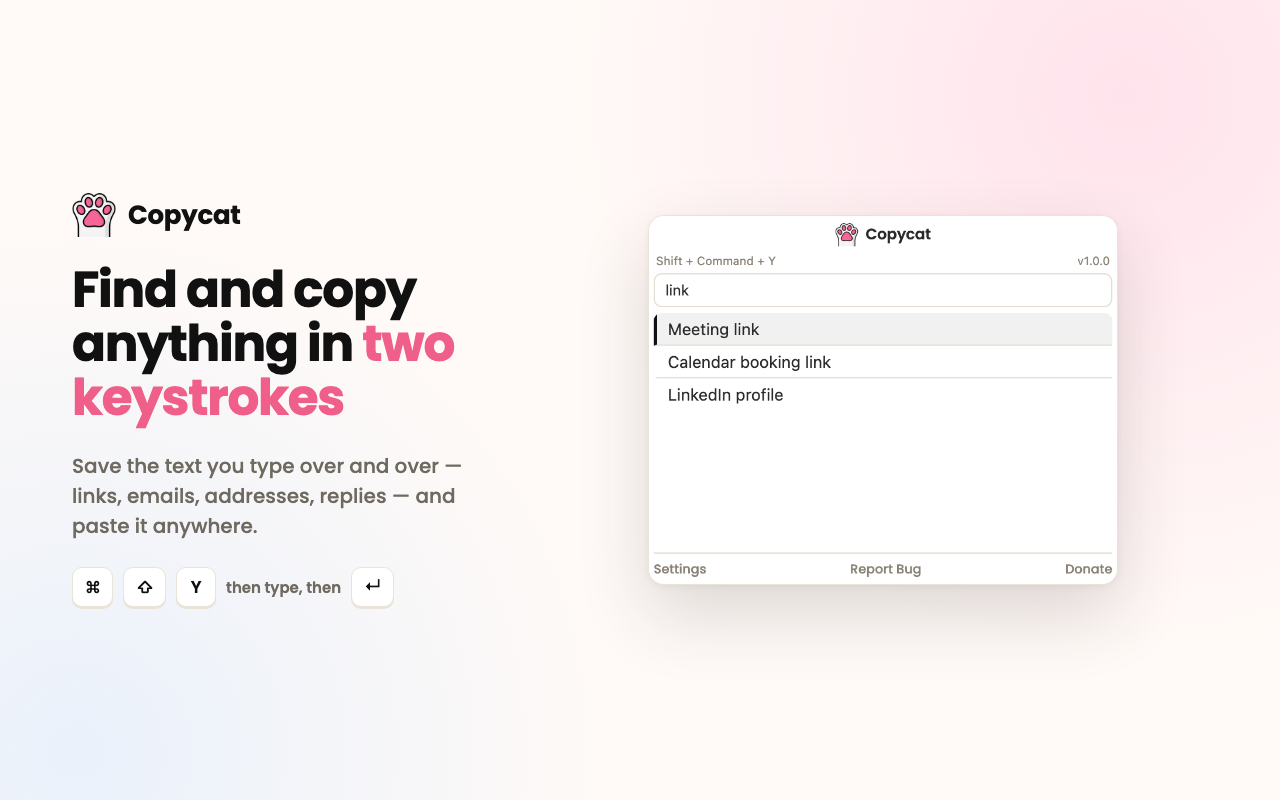
Your snippets, one shortcut away. Copycat is a browser extension for Chrome and Firefox that keeps the text you type over and over, like links, emails, addresses and canned replies, in a searchable list. Find it and copy it in two keystrokes.
 Firefox Add-On
About Copycat
Most of us retype the same handful of things every day: a meeting link, a work email, a shipping address, a support reply. Copycat gives them a home right in the browser toolbar.
Press Ctrl+Shift+Y (⌘+Shift+Y on Mac), type a few letters, and press Enter. The value is on your clipboard, ready to paste anywhere. There’s no account and no sign-up, and your entries never leave your device.
Key Features
- Instant search across thousands of entries
- Keyboard-first: open, search, select and copy without touching the mouse
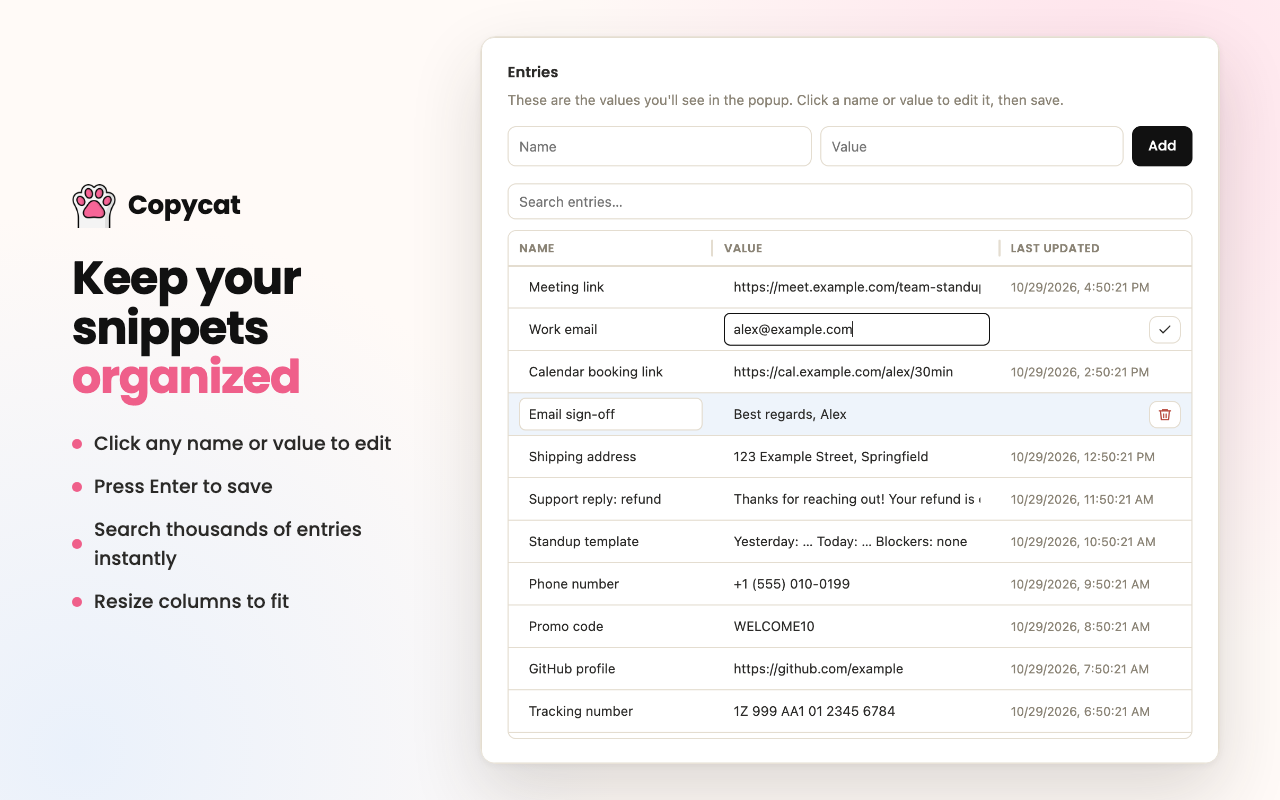
- Add and edit entries inline in Settings, and press Enter to save
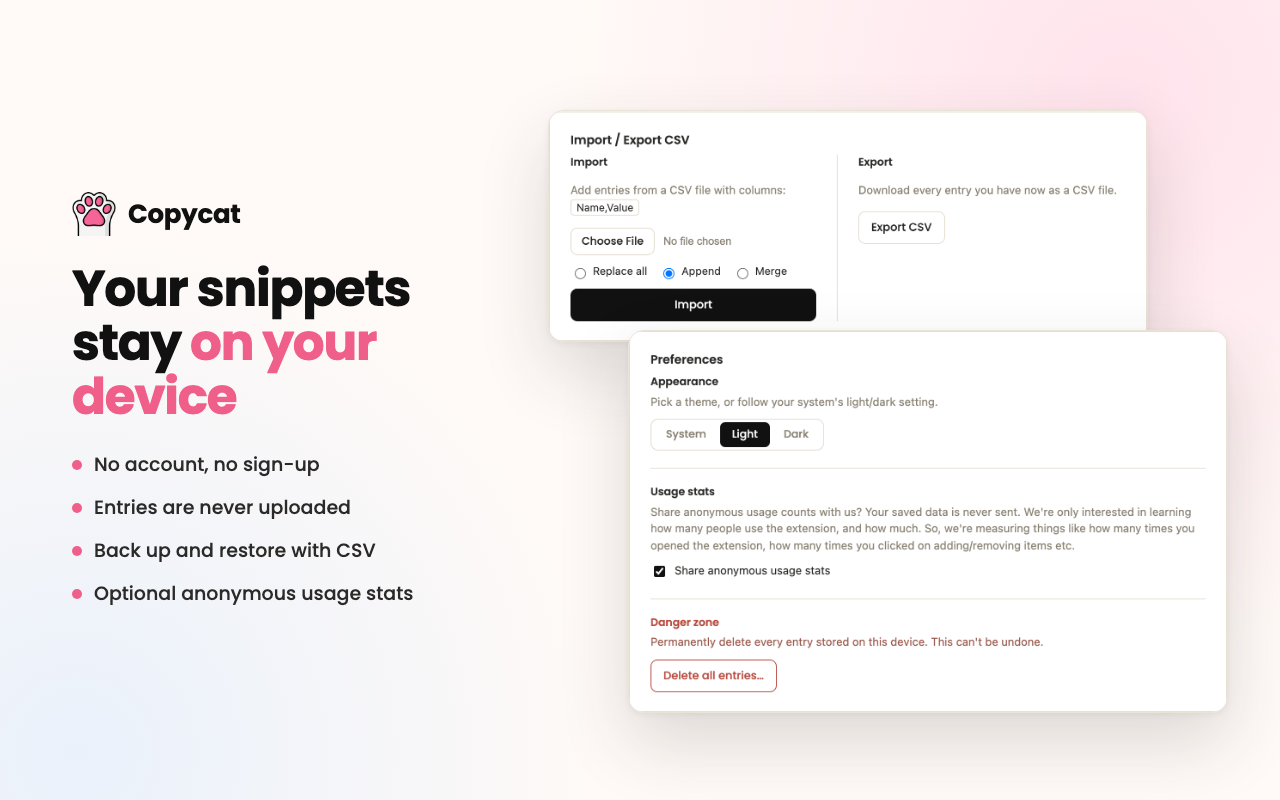
- Import and export CSV for backups or moving between computers, with replace, append or merge options
- Light and dark themes, or follow your system setting
- Resizable columns in the settings table
- Warnings when an entry looks like sensitive data, such as a password or card number
Privacy
- No account, no sign-up
- Entries are stored only in your browser and are never uploaded
- Optional, anonymous usage stats (like “popup opened” or “item added”) help improve Copycat. They never include your entries, and you can turn them off in Settings
- Delete every entry at any time from Settings
See our privacy policy for details.